


From camera roll to keepsake
Turn the photo they love into something they can wear.
The right picture does not need to be professionally taken. It needs to show the person, pet or place that matters, clearly enough for the design you chose. A few checks before uploading make the decision much easier.
From our family · 3 minute read
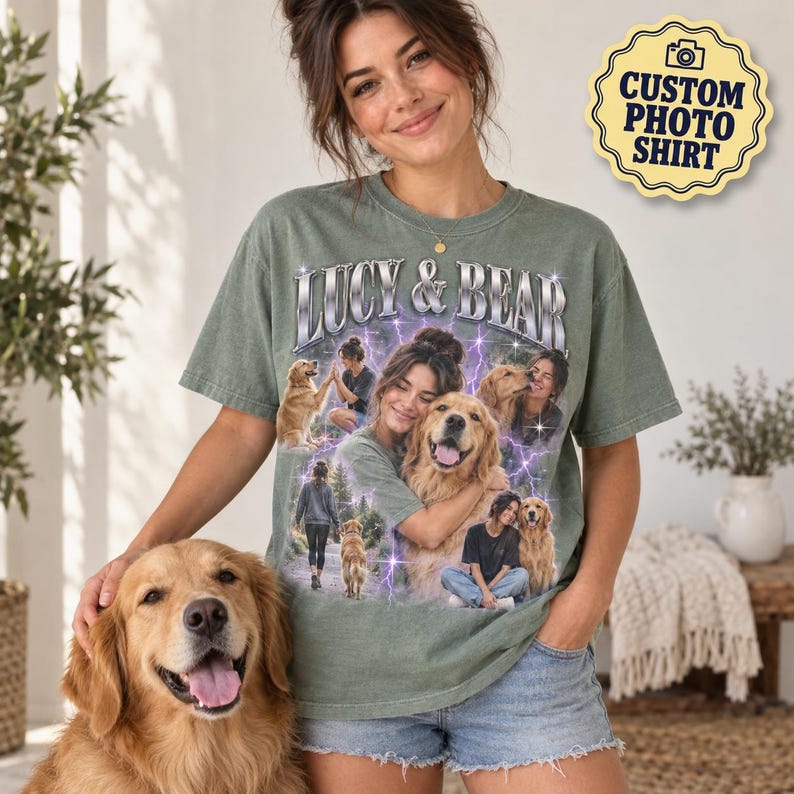
Sale price From$14.98Regular price $33.29
Start with the original file.
Choose the original image from the camera or phone where possible. A screenshot of a social post may be smaller, softer and surrounded by interface elements. Open the file at a larger size and check the important features: eyes, facial expression, a pet’s markings or the outline of a house should remain clear.
Bright, even light is easier to read than a dark subject against a bright window. Avoid motion blur and heavy beauty filters. For a pet portrait, choose an angle that shows the features you most want to recognize. For a house, leave the edges of the building inside the frame.
Choose the photo for the design.
A single portrait needs one strong subject; a collage may need several different moments. Read the listing and the upload question before selecting files. The accepted number of images belongs to that question, so do not combine five pictures into one screenshot unless the product specifically asks for a finished collage.
Leave some space around the subject rather than cutting tightly against a face, ears or roofline. If a detail matters, use the provided personalization field to explain it. The example image illustrates a style; it is not a promise that every photo will work equally well in that layout.
- Use only photos you have permission to provide.
- Keep the original file until your order is complete.
- Review every uploaded thumbnail before adding to the bag.
Pair the picture with the right garment.
Check the actual garment options and compare its chart with a similar item the recipient likes. Then verify the spelling of names, dates and any other requested text. If there are separate photo questions, make sure each image is attached to the intended question.
A difficult photo is a good reason to ask for help before ordering. Send the product you are considering and explain the issue rather than assuming missing detail can be restored. When the gift arrives, follow the listing’s print-care directions and the sewn-in garment label.
Find your starting point
A few designs to fall for.
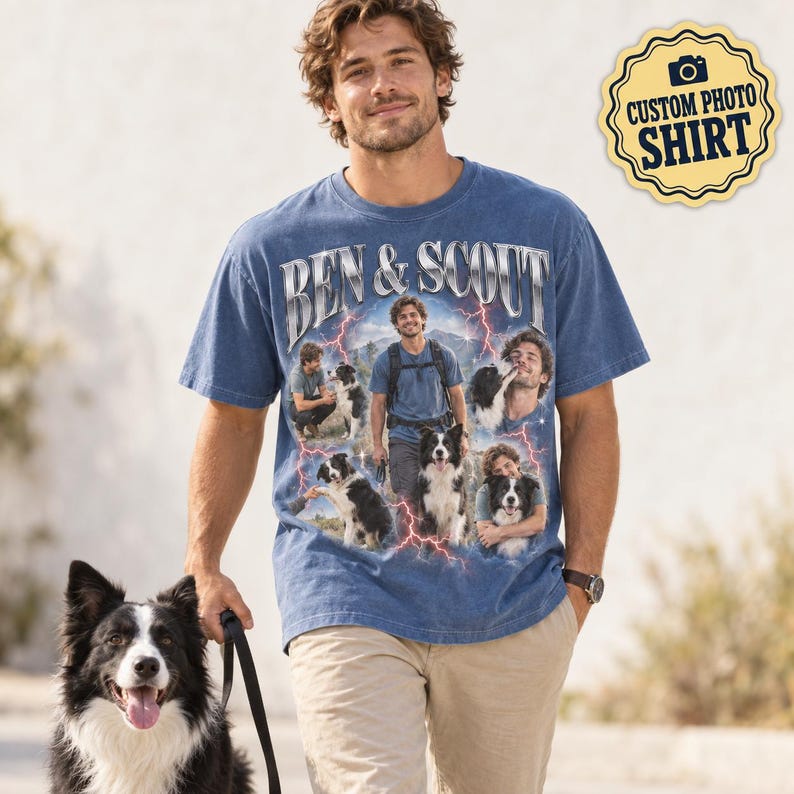
Owner and Pet Chrome Photo Tee
Sale price From$14.98Regular price $33.29
24 colors
Personalize


Longtime Besties Photo Tee
Sale price From$14.98Regular price $33.29
Personalize


House Portrait Housewarming Sweatshirt
Sale price From$28.47Regular price $63.27
Personalize


Rescue Pet Gotcha Day Photo Tee
Sale price From$14.98Regular price $33.29
Personalize
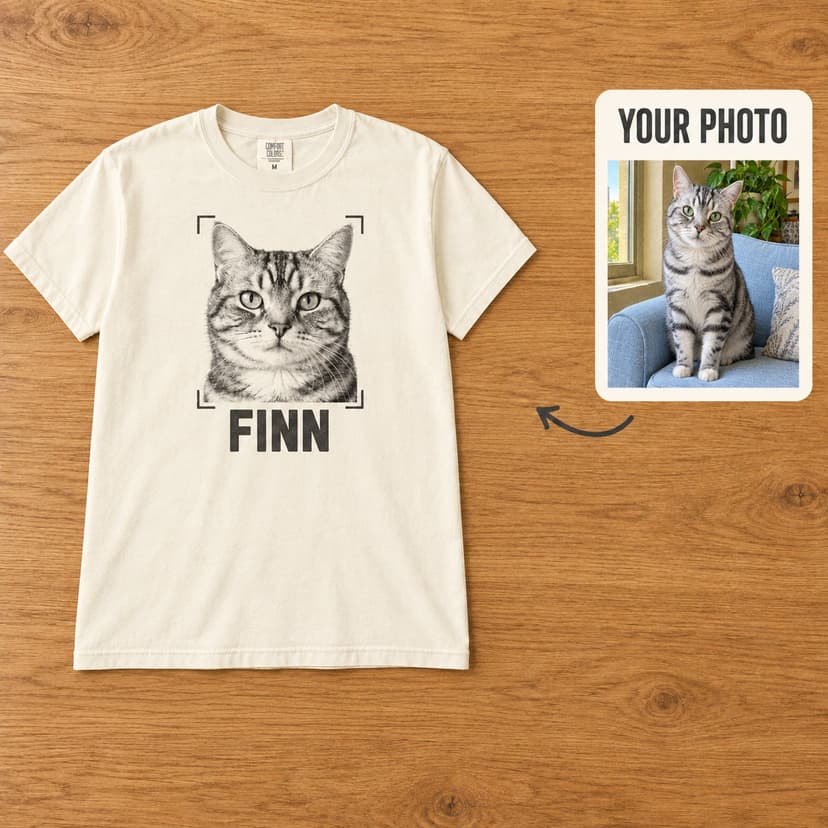
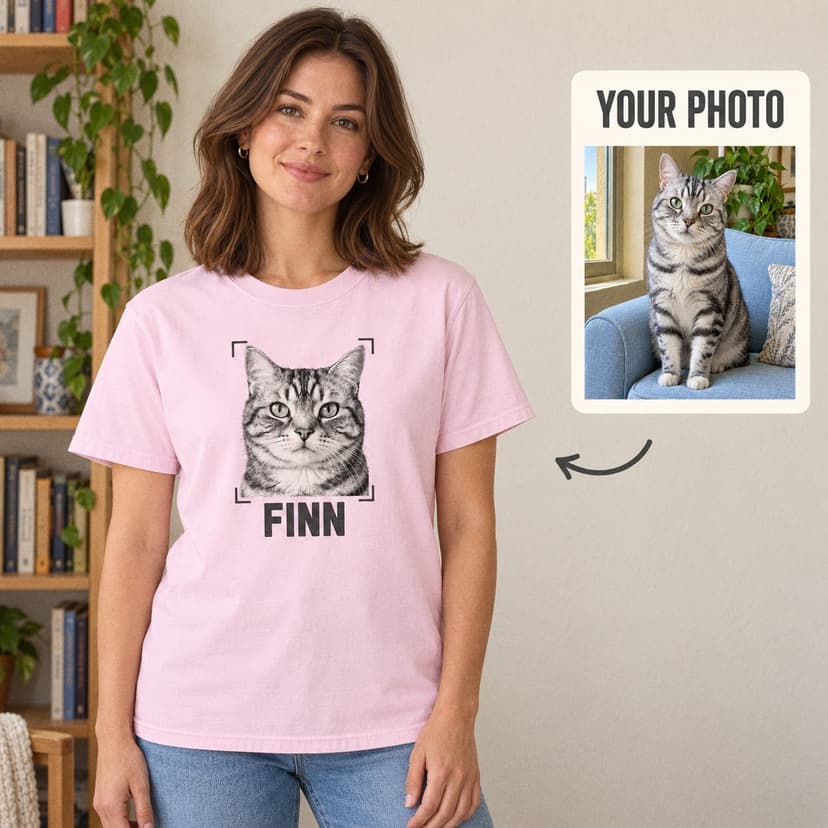
Vintage Pet Portrait Tee
Sale price From$14.98Regular price $33.29
24 colors
Personalize
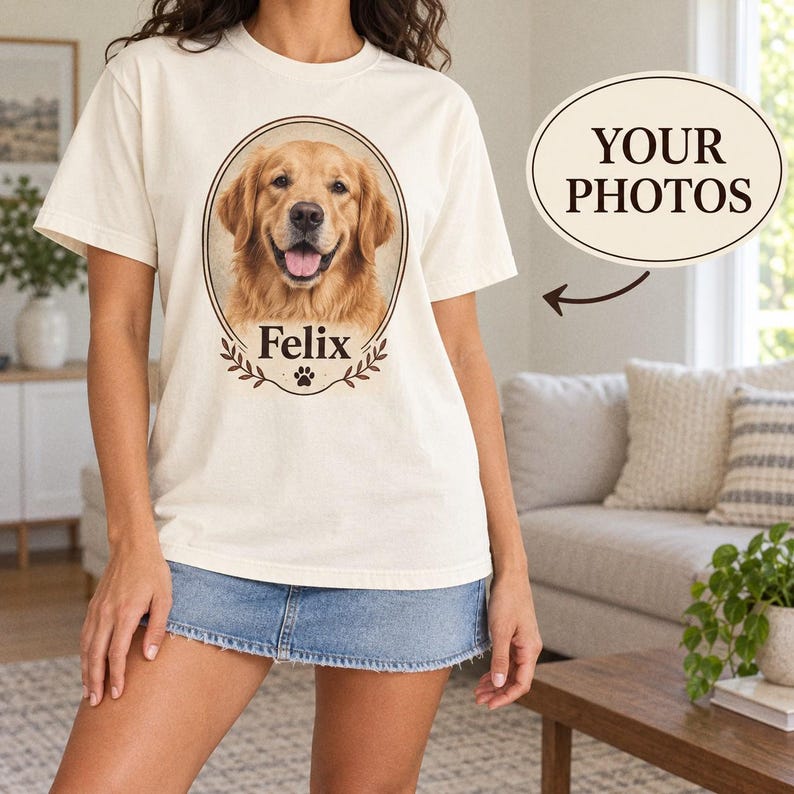
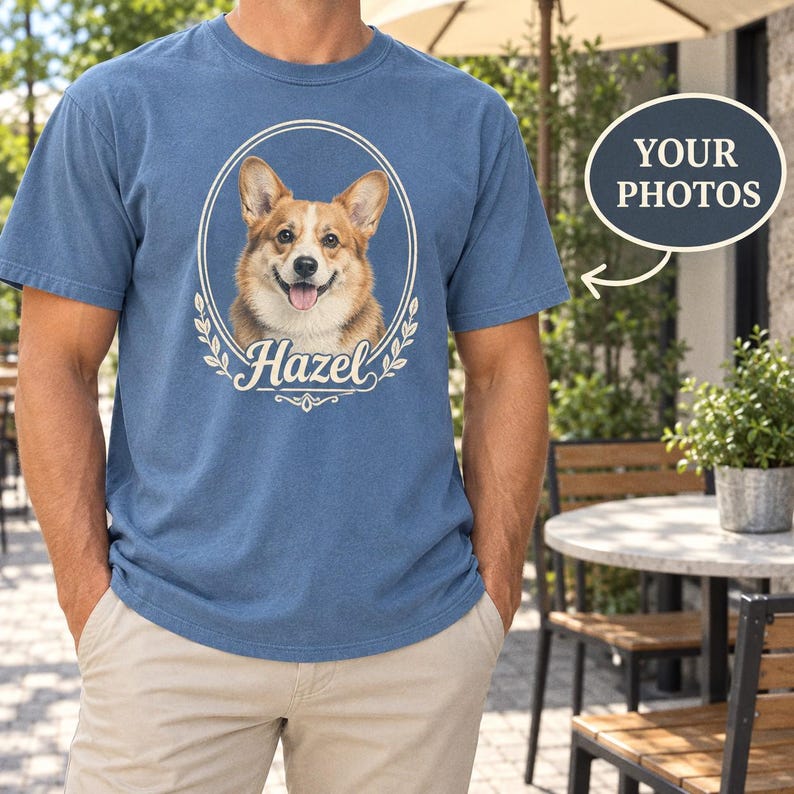
Pet Vintage Portrait Tee
Sale price From$14.98Regular price $33.29
24 colors
Personalize
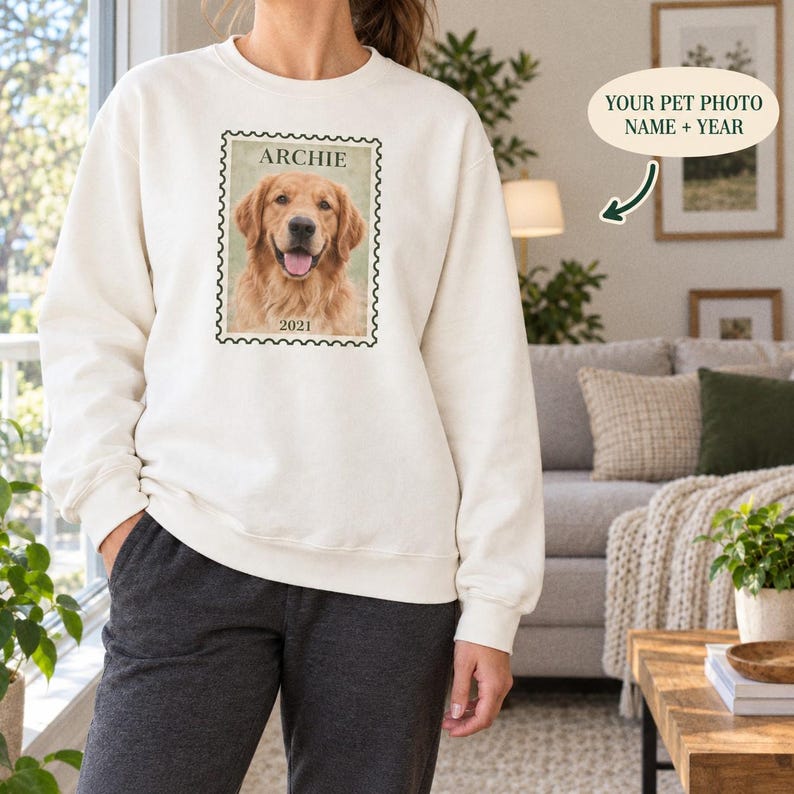
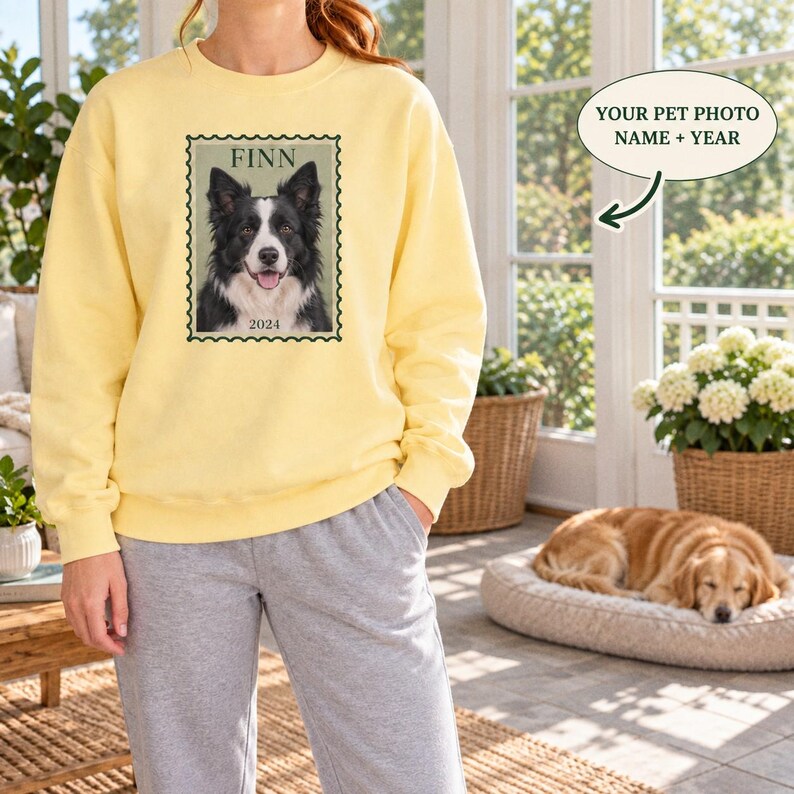
Pet Photo Year Stamp Portrait Sweatshirt
Sale price From$28.47Regular price $63.27
20 colors
Personalize


Pet and Owner Photo Tee
Sale price From$14.98Regular price $33.29
24 colors
Personalize


The helpful little details
Your questions, answered.
Can I upload more than one photo?
Some designs accept several photos and others use one. Follow the count and instructions on each upload question; the product page will show the photos you have attached.
Can I use a screenshot from social media?
The original image is usually a better choice because screenshots can lose detail or include interface elements. If the screenshot is all you have, check it closely and contact us before ordering if the subject is unclear.
Can a blurry photo be made sharp?
Do not assume missing detail can be recovered. Choose a clearer original when possible, or ask us about the specific photo and design before placing your order.